Introduction
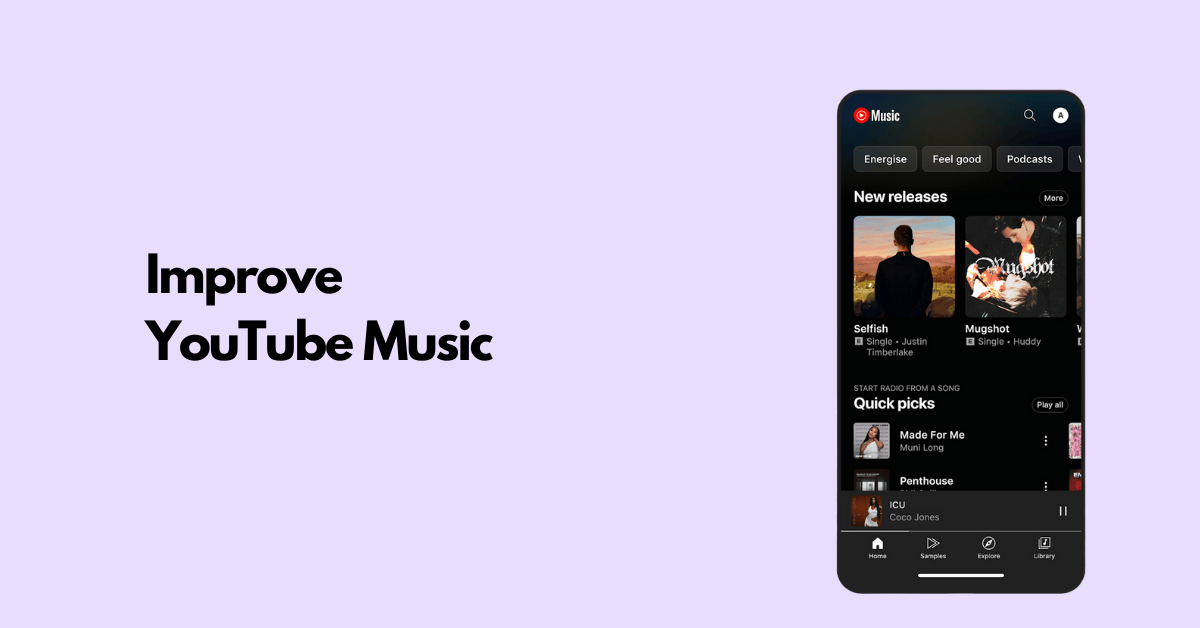
Looking at YouTube Music's position in the streaming market, I see significant opportunities for improvement. As a product leader, I'd approach this by understanding user needs, identifying pain points, and developing solutions that leverage YouTube's unique strengths while addressing competitive gaps. I'll walk through my framework for improving YouTube Music, focusing on user segmentation, pain point analysis, solution generation, and measurement.
Step 1
Clarifying Questions
- Why it matters: This helps me focus my improvement strategy on the most critical business objectives.
- Expected answer: Likely retention and engagement are priorities given the competitive market.
- Impact on approach: Would focus on feature enhancements that drive daily active usage versus acquisition tactics.
- Why it matters: Understanding if we should leverage YouTube's video content more effectively or create a more distinct music experience.
- Expected answer: Users likely value video integration but may find transitions between platforms jarring.
- Impact on approach: Would influence whether to focus on deeper integration or more standalone music features.
- Why it matters: Helps determine if we should double down on core users or expand to new segments.
- Expected answer: Possibly stronger with younger users who already engage with YouTube content.
- Impact on approach: Would shape feature prioritization based on target segment needs.
- Why it matters: Different monetization strategies require different product approaches.
- Expected answer: Likely a focus on conversion rate improvement while maintaining ad revenue.
- Impact on approach: Would influence whether to focus on premium features or improving the free tier experience.
I'd like to take a minute to organize my thoughts before diving into user segmentation.
Step 2
User Segmentation
Key Stakeholders
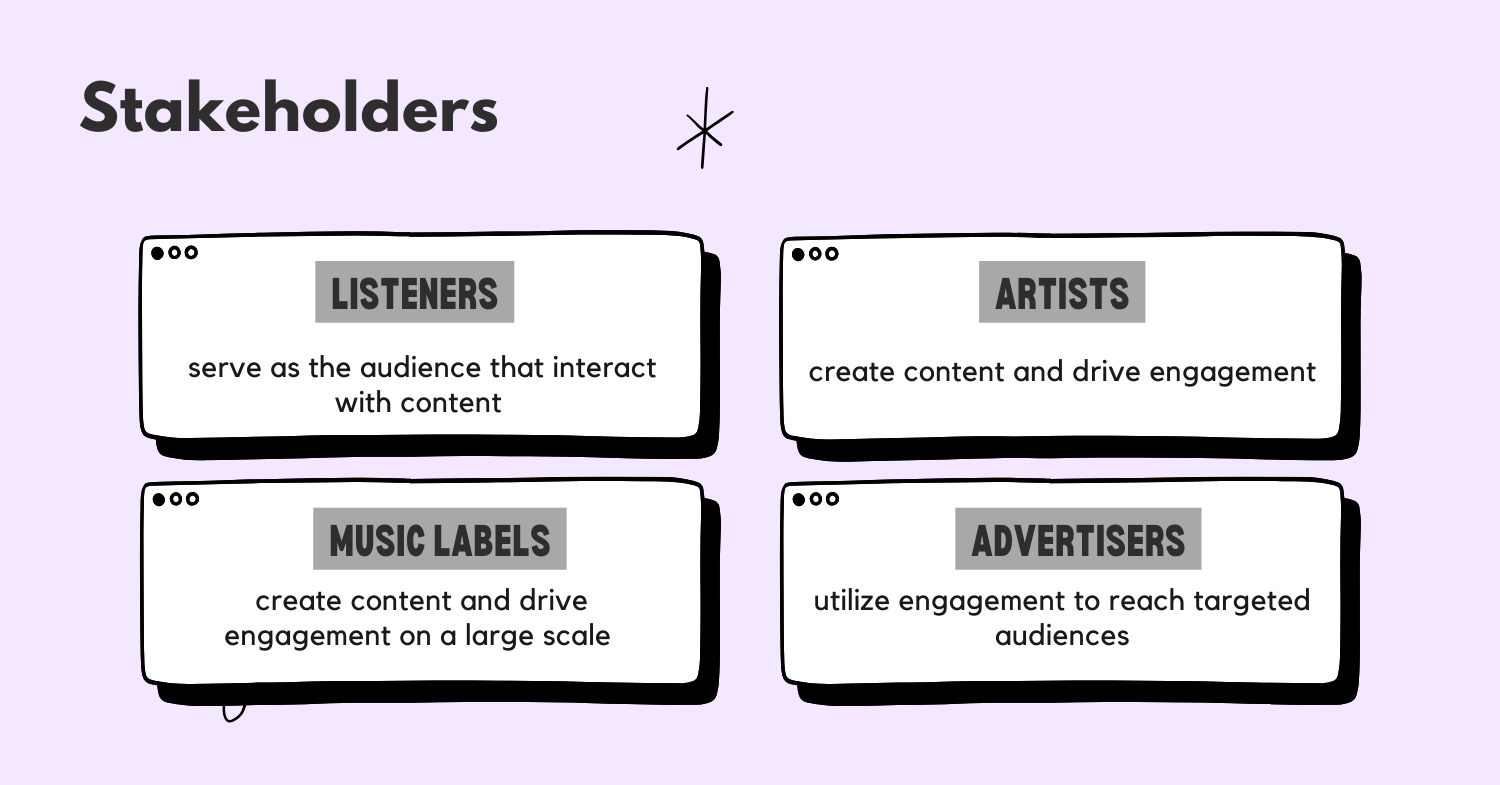
The YouTube Music ecosystem involves several key stakeholders:
- Listeners - The primary users consuming music content
- Artists/Content Creators - Those providing music and related content
- Advertisers - Companies paying to reach users on the platform
- Music Labels/Publishers - Rights holders for music content
For this analysis, I'll focus on Listeners as the primary stakeholders since improving their experience directly impacts engagement, retention, and ultimately revenue through both subscriptions and ad views.
Sub-segments
Within the Listeners segment, I identify these key behavioral sub-segments:
- Music Explorers - Users who actively discover new music, create playlists, and follow artists
- Passive Listeners - Users who primarily listen to recommended content or radio-style features
- Video-First Users - Users who primarily value the visual component and music videos
- Multi-Platform Switchers - Users who regularly use YouTube Music alongside other streaming services
Let's prioritize these segments:
| Sub-Segment | TAM (1-10) | Frequency (1-10) | Potential Value (1-10) | Total Score |
|---|---|---|---|---|
| Music Explorers | 7 | 9 | 8 | 504 |
| Passive Listeners | 9 | 7 | 6 | 378 |
| Video-First Users | 8 | 8 | 9 | 576 |
| Multi-Platform Switchers | 6 | 6 | 7 | 252 |
Explanation of scores:
- Video-First Users: High TAM (8) as YouTube has a massive video audience to convert; high frequency (8) as they tend to engage daily; highest potential value (9) because they leverage YouTube's core competitive advantage and are likely to subscribe for premium features.
- Music Explorers: Good TAM (7) though smaller than passive listeners; highest frequency (9) as they actively engage with the platform daily; high potential value (8) as they create content (playlists) that benefits the ecosystem.
- Passive Listeners: Highest TAM (9) as they represent the majority of music streamers; good frequency (7) though less than active users; moderate potential value (6) as they consume but don't create content.
- Multi-Platform Switchers: Lowest TAM (6) as they're harder to fully convert; lowest frequency (6) on YouTube Music specifically; moderate potential value (7) as they could become exclusive users if properly engaged.
Based on this analysis, I'll focus on Video-First Users as our primary segment to improve for.
Primary Persona: Video-First User
Demographics:
- 18-34 years old
- Tech-savvy
- Likely already a YouTube user
- Values visual content alongside audio
Behaviors:
- Watches music videos regularly
- Uses YouTube Music for both audio and video content
- Switches between YouTube and YouTube Music
- Creates and shares playlists that include videos
- Often discovers music through video content
Motivations:
- Wants a seamless experience between video and audio
- Values visual expression of artists
- Enjoys music as both an auditory and visual experience
- Wants to share music discoveries with friends
Pain Points:
- Disjointed experience between YouTube and YouTube Music
- Difficulty finding official music videos vs. audio tracks
- Limited video-specific features in music context
- Inconsistent quality of music video recommendations
- Battery drain and data usage when playing videos
Step 3
Pain Points Analysis
User Journey for Video-First Users
- Discovery - Finding new music and videos through recommendations, search, or browsing
- Selection - Choosing between video and audio versions of content
- Consumption - Watching/listening to content, potentially switching between modes
- Engagement - Interacting with content (likes, comments, shares)
- Collection - Saving content to playlists or library
- Sharing - Distributing discoveries to friends or social networks
- Switching Context - Moving between active watching and background listening
Pain Points at Each Stage
-
Discovery
- Recommendations don't distinguish between video quality and audio-only preferences
- "I wish YouTube Music would understand when I want to discover videos versus when I just want audio tracks." - Hypothetical user
-
Selection
- Unclear distinction between official music videos, lyric videos, and audio tracks
- "It's frustrating when I can't easily find the official music video versus just the song." - Hypothetical user
-
Consumption
- Jarring transition between video and audio modes
- Battery drain and data usage when videos play automatically
- "My battery dies so quickly when I'm using YouTube Music because it keeps playing videos even when I'm not watching." - Hypothetical user
-
Engagement
- Limited engagement options compared to main YouTube
- "I want to comment on music videos directly in YouTube Music without switching apps." - Hypothetical user
-
Collection
- Playlists mix video and audio content without clear distinction
- "I can't create video-only or audio-only playlists easily." - Hypothetical user
-
Sharing
- Sharing links sometimes direct to YouTube rather than YouTube Music
- "When I share a song with friends, it opens in regular YouTube instead of YouTube Music." - Hypothetical user
-
Switching Context
- No seamless way to switch between active video watching and background listening
- "I have to manually switch between video and audio when I put my phone in my pocket." - Hypothetical user
Root Causes
- Platform Identity Confusion - YouTube Music exists alongside YouTube, creating unclear boundaries
- Technical Architecture - Separate codebases and features between YouTube and YouTube Music
- Content Management - Inconsistent metadata between video and audio versions
- UX Design Limitations - Interface doesn't adequately address dual-mode usage
- Business Model Tension - Balancing premium features across YouTube Premium and YouTube Music
Pain Point Prioritization
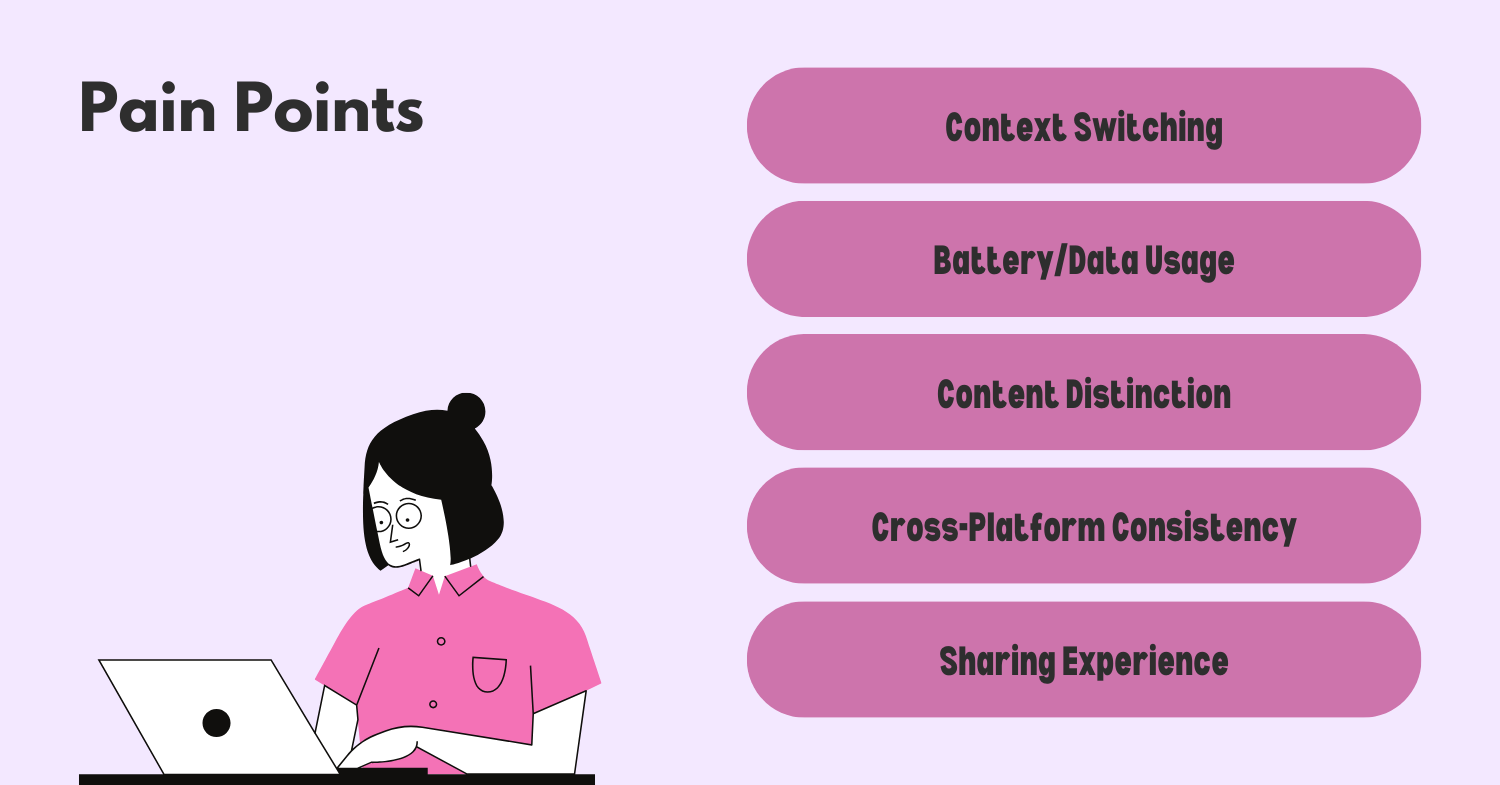
| Pain Point | Severity (1-10) | Frequency (1-10) | Total Score |
|---|---|---|---|
| Context Switching | 9 | 10 | 90 |
| Battery/Data Usage | 8 | 9 | 72 |
| Content Distinction | 7 | 8 | 56 |
| Cross-Platform Consistency | 8 | 7 | 56 |
| Sharing Experience | 6 | 7 | 42 |
Prioritized Pain Points:
-
Context Switching (Score: 90) - Users struggle with the transition between active video watching and background audio listening, which happens frequently during daily use.
-
Battery/Data Usage (Score: 72) - Videos consume significant resources when users don't actually need the visual component, creating a major pain point for mobile users.
-
Content Distinction (Score: 56) - Users have difficulty distinguishing between and finding their preferred content format (official video, lyric video, audio track).
-
Cross-Platform Consistency (Score: 56) - The jarring experience when moving between YouTube and YouTube Music creates friction in the user journey.
-
Sharing Experience (Score: 42) - Sharing from YouTube Music often creates confusion by opening content in the main YouTube app.
Reasoning for Prioritization: I've prioritized context switching and battery/data usage highest because they directly impact core daily usage and create significant friction. These issues occur multiple times per session for most users. Content distinction and cross-platform consistency are important but affect fewer user sessions. The sharing experience, while problematic, impacts a smaller percentage of interactions.
These pain points have likely increased as mobile usage has grown and as users increasingly expect seamless experiences across a company's product ecosystem. The rise of TikTok and other video-first platforms has also raised expectations for fluid video-audio experiences.
Now that we've identified the key pain points, let's take a brief moment to organize our thoughts before generating solutions.
Step 4
Solution Generation
Based on our analysis of Video-First Users and their pain points, I've developed several solutions that leverage YouTube's unique strengths while addressing competitive gaps:
1. Smart Mode Switching
Description: Develop an intelligent system that seamlessly transitions between video and audio modes based on user context and behavior.
Key Components:
- Context-Aware Playback: Automatically switch to audio-only mode when the phone is in a pocket, screen is off, or battery is low. Return to video when the user is actively looking at the screen.
- Gesture Controls: Simple swipe gestures to toggle between video and audio modes without interrupting playback.
- Picture-in-Picture Enhancements: Allow users to minimize the video to a floating window while browsing other content in the app.
- Mode Preference Learning: The app learns when users prefer video vs. audio for different contexts (e.g., commuting, working out, relaxing at home).
User Flow:
- User starts playing a music video
- When they put their phone in their pocket, the app automatically switches to audio-only mode
- Battery and data usage are reduced while maintaining the listening experience
- When the user takes out their phone and looks at the screen, video playback resumes
- User can manually override with simple gestures
Challenges:
- Technical complexity in detecting user context reliably
- Ensuring smooth transitions without interrupting playback
- Battery usage of sensors needed for context detection
- Addressing potential privacy concerns with context awareness
2. Unified Content Experience
Description: Create a clearer distinction between content types while maintaining a cohesive library experience.
Key Components:
- Unified Content Library: Show all versions of a song (official video, lyric video, live performance, audio track) in a single, organized view.
- Format Preference Settings: Allow users to set default preferences for video vs. audio across the app or for specific playlists.
- Visual Indicators: Clear icons and labels to distinguish content types throughout the interface.
- Smart Defaults: Remember user preferences for specific artists or genres (e.g., always play official videos for certain artists).
User Flow:
- User searches for a song
- Results show all available versions with clear visual indicators
- User can select their preferred version or let their default settings apply
- When adding to playlists, format preferences are maintained
Challenges:
- Content metadata standardization across YouTube's vast library
- UI complexity in presenting multiple versions clearly
- Balancing simplicity with comprehensive options
3. Efficiency Optimizations
Description: Optimize the app to reduce battery and data usage while maintaining a high-quality experience.
Key Components:
- Smart Quality Adjustments: Automatically adjust video quality based on network conditions, battery level, and viewing context.
- Download Recommendations: Proactively suggest downloading frequently played content for offline use.
- Background Optimization: Significantly reduce resource usage when the app is in the background.
- Data Saver Mode: Enhanced controls for managing data usage with video content.
User Flow:
- User receives a notification that battery is below 20%
- App suggests switching to audio-only or lower quality video
- User can set this preference permanently for similar situations
- Battery life is extended while maintaining the core experience
Challenges:
- Balancing quality with resource usage
- Creating intuitive controls without overwhelming users
- Technical implementation across diverse devices
4. Cross-Platform Integration
Description: Create a more cohesive experience between YouTube and YouTube Music.
Key Components:
- Consistent UI Elements: Align design language and interaction patterns across both platforms.
- Seamless Handoffs: Allow users to continue their session when moving between YouTube and YouTube Music.
- Shared Playlists and History: Maintain consistent playlists and watch/listen history across platforms.
- Unified Subscription Benefits: Clearer presentation of the benefits across YouTube Premium and YouTube Music.
User Flow:
- User discovers a music video on YouTube
- They can seamlessly continue in YouTube Music with one tap
- Their place in the video/song is maintained
- Playlists and recommendations reflect activity across both platforms
Challenges:
- Organizational alignment between YouTube and YouTube Music teams
- Technical integration of separate platforms
- Maintaining distinct brand identities while creating cohesion
Moonshot Idea: Immersive Music Experience Platform
Description: Transform YouTube Music from a traditional streaming service into an immersive music platform that combines audio, video, AR/VR, and social elements.
Key Components:
- Virtual Concert Spaces: Create digital venues where users can experience concerts together in a 3D environment.
- Artist Interaction Layer: Direct connection between artists and fans through the platform.
- Spatial Audio: Advanced audio processing that creates immersive soundscapes based on video content.
- Music Visualization Generation: AI-generated visualizations for audio-only tracks that respond to the music.
- Community Creation Tools: Allow fans to create and share their own music videos, remixes, and visualizations.
User Flow:
- User puts on AR glasses or uses their phone in AR mode
- Music plays with spatial audio while visualizations appear in their physical space
- They can join virtual listening parties with friends
- Artists can drop into these spaces for surprise appearances
Challenges:
- Significant technical development required
- Hardware limitations for many users
- Rights management for user-generated content
- Balancing innovation with accessibility
Step 5
Solution Evaluation and Prioritization
Let's evaluate our proposed solutions using the RICE framework:
| Solution | Reach (1-10) | Impact (1-10) | Confidence (0.1-1.0) | Effort (1-10) | RICE Score |
|---|---|---|---|---|---|
| Smart Mode Switching | 9 | 8 | 0.8 | 7 | 9.6 |
| Unified Content Experience | 8 | 7 | 0.9 | 5 | 10.1 |
| Efficiency Optimizations | 9 | 6 | 0.7 | 4 | 9.5 |
| Cross-Platform Integration | 7 | 8 | 0.6 | 8 | 4.2 |
| Immersive Music Experience | 6 | 10 | 0.4 | 10 | 2.4 |
RICE Score = (Reach × Impact × Confidence) / Effort
Reasoning for scores:
Smart Mode Switching:
- Reach: 9 - Would benefit almost all mobile users
- Impact: 8 - Directly addresses top pain points
- Confidence: 0.8 - Strong technical feasibility based on existing sensors
- Effort: 7 - Requires significant development across platforms
Unified Content Experience:
- Reach: 8 - Benefits all users searching for content
- Impact: 7 - Improves discovery and selection experience
- Confidence: 0.9 - Builds on existing content organization
- Effort: 5 - Moderate UI and backend changes
Efficiency Optimizations:
- Reach: 9 - Benefits all mobile users
- Impact: 6 - Addresses important but not critical pain points
- Confidence: 0.7 - Technical feasibility varies by device
- Effort: 4 - Many optimizations can be implemented incrementally
Cross-Platform Integration:
- Reach: 7 - Benefits users of both platforms
- Impact: 8 - Creates a significantly improved ecosystem experience
- Confidence: 0.6 - Dependent on cross-team collaboration
- Effort: 8 - Requires substantial coordination and technical work
Immersive Music Experience:
- Reach: 6 - Initially limited to early adopters
- Impact: 10 - Could transform the category if successful
- Confidence: 0.4 - Experimental technology with uncertain adoption
- Effort: 10 - Requires massive investment and new capabilities
Implementation Roadmap
Based on the RICE analysis, here's my proposed roadmap:
Phase 1 (0-3 months): Unified Content Experience
- Highest RICE score with moderate effort
- Creates foundation for other improvements
- Delivers immediate value to users
Phase 2 (3-6 months): Efficiency Optimizations
- Strong RICE score with lower effort
- Addresses critical battery/data concerns
- Can be implemented incrementally
Phase 3 (6-12 months): Smart Mode Switching
- High impact feature that builds on previous phases
- Requires more development time
- Delivers on core pain point of context switching
Phase 4 (12-18 months): Cross-Platform Integration
- Lower RICE score but strategically important
- Builds on foundations established in earlier phases
- Creates ecosystem advantage
Long-term (18+ months): Immersive Music Experience
- Begin R&D and small experiments during earlier phases
- Develop as a potential category-defining feature
- Evaluate based on technology evolution and market readiness
This roadmap balances quick wins with strategic long-term investments while addressing the most critical user pain points first.
Step 6
Metrics and Measurement
To measure the success of our improvements, I propose the following metrics:
Primary Success Metrics
-
Session Duration - Measure if users are spending more time in the app after improvements
- Target: 15% increase in average session length within 3 months
-
Retention Rate - Track if users return to the app more frequently
- Target: 10% improvement in D7 and D30 retention
-
Mode Switching Frequency - For Smart Mode Switching, measure how often users utilize this feature
- Target: 5+ mode switches per active user per week
-
Battery Efficiency - Measure battery consumption per minute of playback
- Target: 30% reduction in battery usage for equivalent listening time
Secondary Success Metrics
-
Content Discovery Depth - Track if users are exploring more content formats
- Target: 20% increase in unique tracks/videos consumed per user
-
Cross-Platform Engagement - Measure movement between YouTube and YouTube Music
- Target: 25% increase in cross-platform sessions
-
Premium Conversion Rate - Track if improvements drive subscription growth
- Target: 15% increase in free-to-paid conversion rate
Guardrail Metrics
-
Video Engagement - Ensure we're not reducing video consumption for users who value it
- Threshold: No more than 5% decrease in video watch time for video-primary users
-
App Performance - Monitor that new features don't degrade app performance
- Threshold: No more than 10% increase in app load time or crash rate
-
Ad Revenue - Ensure monetization remains strong for non-subscribers
- Threshold: Maintain or improve ad impression rates and completion rates
I would establish a measurement framework that tracks these metrics weekly, with formal reviews at 30, 60, and 90 days post-launch. For major features, I'd implement A/B testing with a 70/30 split initially to validate impact before full rollout.
Step 7
Summary and Next Steps
To improve YouTube Music, I've focused on enhancing the experience for Video-First Users who represent our highest potential segment. By addressing their key pain points around context switching, battery usage, and content discovery, we can create a differentiated music streaming experience that leverages YouTube's unique video strengths.
Our prioritized solutions include:
- Unified Content Experience - Creating clearer organization of video and audio content
- Efficiency Optimizations - Reducing battery and data usage
- Smart Mode Switching - Enabling seamless transitions between video and audio modes
- Cross-Platform Integration - Building a more cohesive YouTube ecosystem
These improvements directly address user pain points while building on YouTube's competitive advantages in video content. Success will be measured through increased engagement, retention, and ultimately conversion to paid subscriptions.
For next steps, I recommend:
- Conduct user research to validate our hypotheses about Video-First Users
- Create prototypes of the Unified Content Experience for user testing
- Begin technical exploration of Smart Mode Switching capabilities
- Establish cross-functional team alignment on the roadmap priorities
By executing this plan, YouTube Music can strengthen its unique position in the streaming market and deliver a truly differentiated experience that users love.
.png)